The Ultimate Desk Accessories Checklist for New Home Workers
Setting up a home office looks finished long before it is. You have a desk, a chair and a laptop, and for the first fortnight that seems like enough. Then the cables start to breed behind the monitor, the afternoon sun lands on your screen at exactly the wrong angle, and you lose ten minutes of a busy morning hunting for a pen that works. None of it is dramatic. It just chips away at your attention, a little at a time, every day.
The list below is written to be printed and worked through over a fortnight rather than bought in one panicked order. Start with what you already own, note the gaps, and fill them as you notice the friction.
The Core Kit: Five Things Almost Every Desk Needs
Before anything clever, get these basics settled. They do more for a working day than any amount of matching stationery.
- A monitor stand or riser. A laptop screen sits far too low for long sessions. Raise it so the top third of the screen is roughly at eye level, then add a separate keyboard and mouse so your hands stay down at desk height. A stack of sturdy books will do at a push.
- A keyboard and mouse you don't think about. Quiet keys, a shape that suits your hands, and nothing that needs recharging mid-afternoon.
- A lamp you can aim. More on this below; it is the accessory most people get wrong.
- A small bin within arm's reach. Underrated. If the bin is across the room, the desk slowly absorbs the rubbish instead.
- A four-gang extension lead with surge protection, plus a way to fix it to the underside of the desk rather than leaving it loose on the floor.
Deal With Cables Before You Buy Anything Else
Cables are the biggest source of visual noise on a home desk, and the cheapest thing to fix. Set aside an hour and work through it in order:
- Unplug everything, lay it out on the floor, and remove anything you no longer use — the charger for the phone you replaced, the second ethernet cable for a router that moved.
- Group what's left by direction: power one way, data the other.
- Use hook-and-loop ties rather than zip ties, so you can undo them when something changes.
- Label both ends of every cable with a strip of masking tape and a fine marker. Future you will be grateful.
- Fix a shallow cable tray or a row of adhesive clips under the desk, so the run from the wall to the plug never crosses the floor.
- Leave a service loop — roughly 15cm of slack — behind each device, so you can pull it forward without unplugging anything.
Then give charging a home. One box or drawer by the desk for the cables you use weekly, everything else stored elsewhere. A single short charging cable left permanently on the desk beats a tangle of six.
Lighting: Where to Spend the Most Thought
Task light
Position the lamp to the side of your writing hand — the left if you are right-handed — so your hand doesn't cast a shadow across the page or the keyboard. Neutral light, somewhere around 4000K, reads closest to daylight without feeling clinical.
Glare
Never sit facing a window or with your back to one. Side-on is the sweet spot: daylight falls across the desk rather than onto the screen or into your eyes. If you can't move the desk, a simple blind or a sheer curtain used at the right angle of day solves most of it.
Ambient light
A single overhead bulb creates hard reflections on a glossy screen. A warm lamp in the corner plus a gentle bias light behind the monitor evens out the contrast and makes long sessions noticeably easier. If you get headaches, dry eyes or blurred vision after screen work, see an optician rather than buying more lamps.
Comfort: The Parts Your Body Notices
Start with the chair. Feet flat, hips slightly higher than knees, elbows around 90 degrees, screen an arm's length away. If your chair doesn't adjust or your feet dangle, a footrest or a firm box under the desk sorts it. Add a thin cushion for long sittings, a wrist rest only if you catch yourself resting on the desk edge, and a chair mat if you're on a hard floor — it saves the floor and your shoulders.
Ongoing back, neck or wrist pain isn't something to solve with accessories. Speak to a GP or physiotherapist about it.
Small Tools That Earn Their Space
- Hook-and-loop cable ties, kept in a drawer rather than a distant toolbox
- A roll of masking tape and a fine marker, or a label maker if you enjoy that sort of thing
- An A5 notebook and two pens that actually work
- A small timer for focused blocks
- Screen wipes and a microfibre cloth
- A shallow in-tray for the paper that arrives anyway
- A clip on the desk edge for headphones
- A coaster, unless you like permanent rings on wood
Finish each day with a two-minute reset: cups to the kitchen, papers into the tray, cables tucked back, chair pushed in. It costs almost nothing and gives the next morning a clear surface to start from.
The Printable Checklist
Desk and surface
- Monitor stand or riser
- Separate keyboard and mouse
- Desk mat or blotter
- In-tray
- Coaster and small bin
Power and cables
- Extension lead with surge protection
- Cable tray or adhesive clips
- Hook-and-loop ties and labels
- One spare charging cable, stored in a box
Light
- Aimable task lamp
- Warm ambient lamp
- Bias light behind the monitor
- Desk positioned side-on to the window
Comfort
- Footrest, if your feet don't reach the floor
- Seat cushion for longer days
- Chair mat for hard flooring
- Hook or clip for headphones
Everyday tools
- Notebook and two working pens
- Timer
- Screen wipes
- Sticky notes and cable ties
- Hand cream for dry winter air
Before You Buy: Four Rules Worth Following
- Solve a problem you already have. Buy for the desk you use, not the studio you saw online.
- Spend on what you touch daily — chair, keyboard, mouse, lamp. Save on what you touch monthly.
- Measure before you order. Desk depth matters, and a clamp-on monitor arm needs an edge thin enough to grip. Check the thickness before you commit.
- Give anything new a fortnight. If you haven't reached for it in two weeks, take it off the desk. Accessories that don't earn their place become clutter, and clutter is the one thing this checklist exists to prevent.
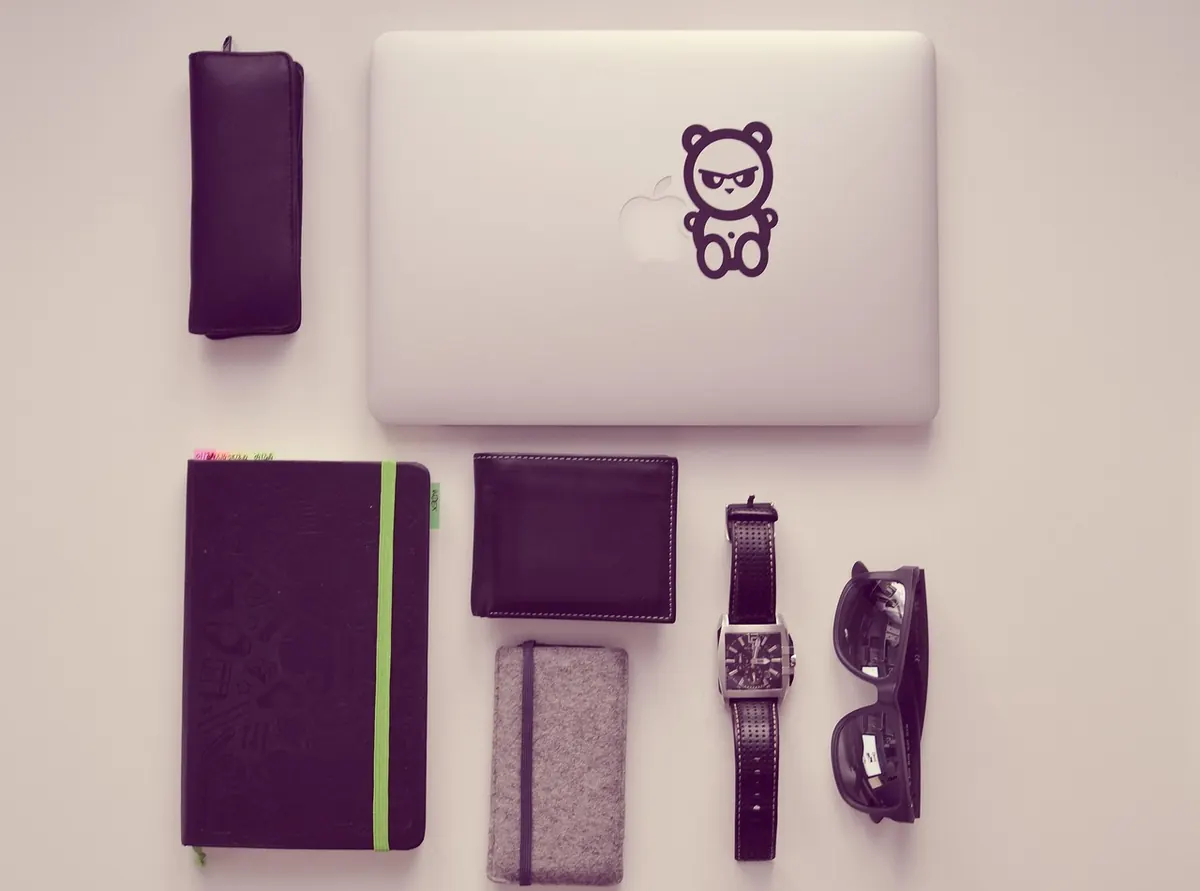
Photo: TheAngryTeddy / Pixabay